Windows10使用WSL/Windows Terminal
2019-11-27 19
Windows10 1903版使用wsl和terminal
安装 Windows Terminal
系统要求
- Windows版本号大于1903
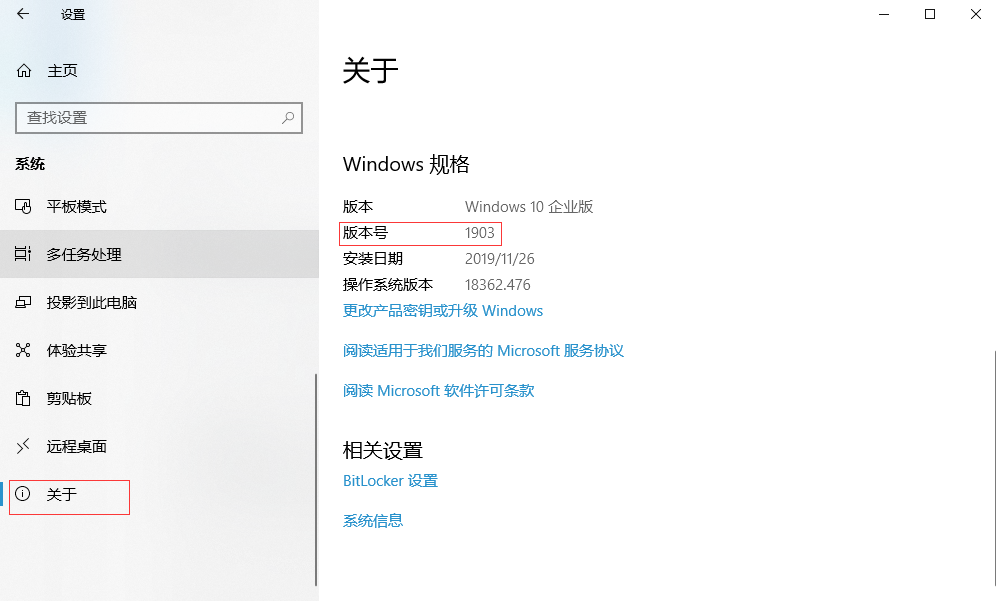
安装方式
- 打开应用商店(Microsoft Stroe)
- 搜索 Windows Terminal 并安装
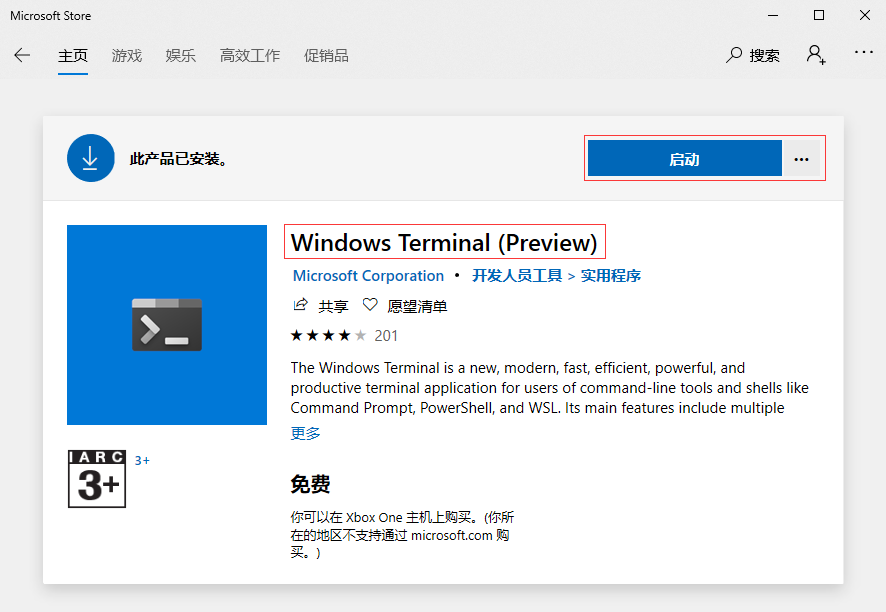
安装WSL
- 打开应用商店 搜索Ubuntu 并安装
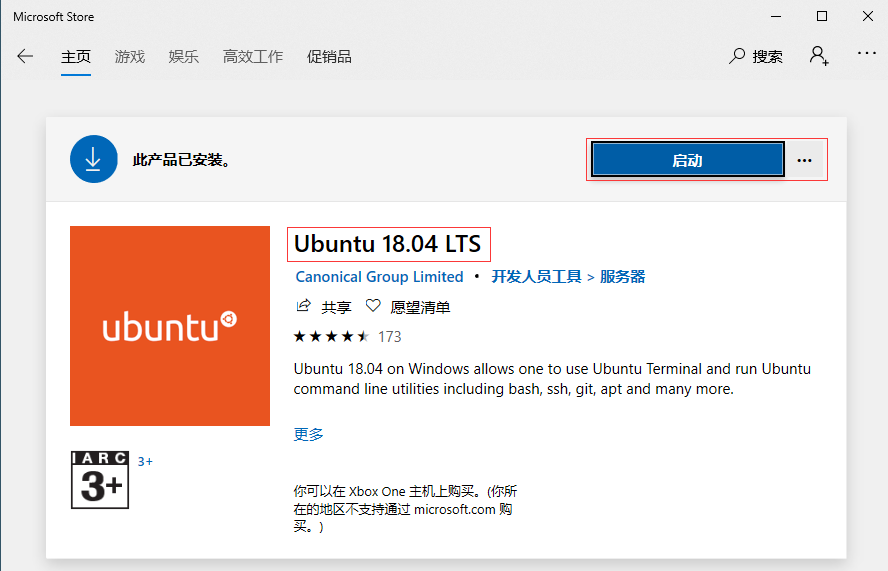
修改WSL默认登陆用户
- wsl 安装完成后默认登录是新建用户
- 修改命令
ubuntu1804.exe config --default-user root
